

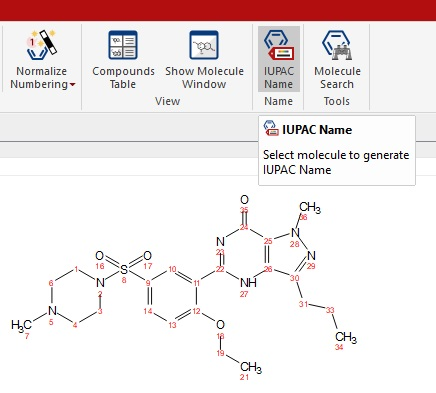
IUPAC Name is designed to generate IUPAC names for molecular structures, making it an invaluable tool for organic chemists.
It leverages the new enhancements in the molecular editor, allowing you to generate IUPAC names for any structure within your Mnova document.
To get started, open a dataset containing a structure, or draw/import your structure as shown in the example below.
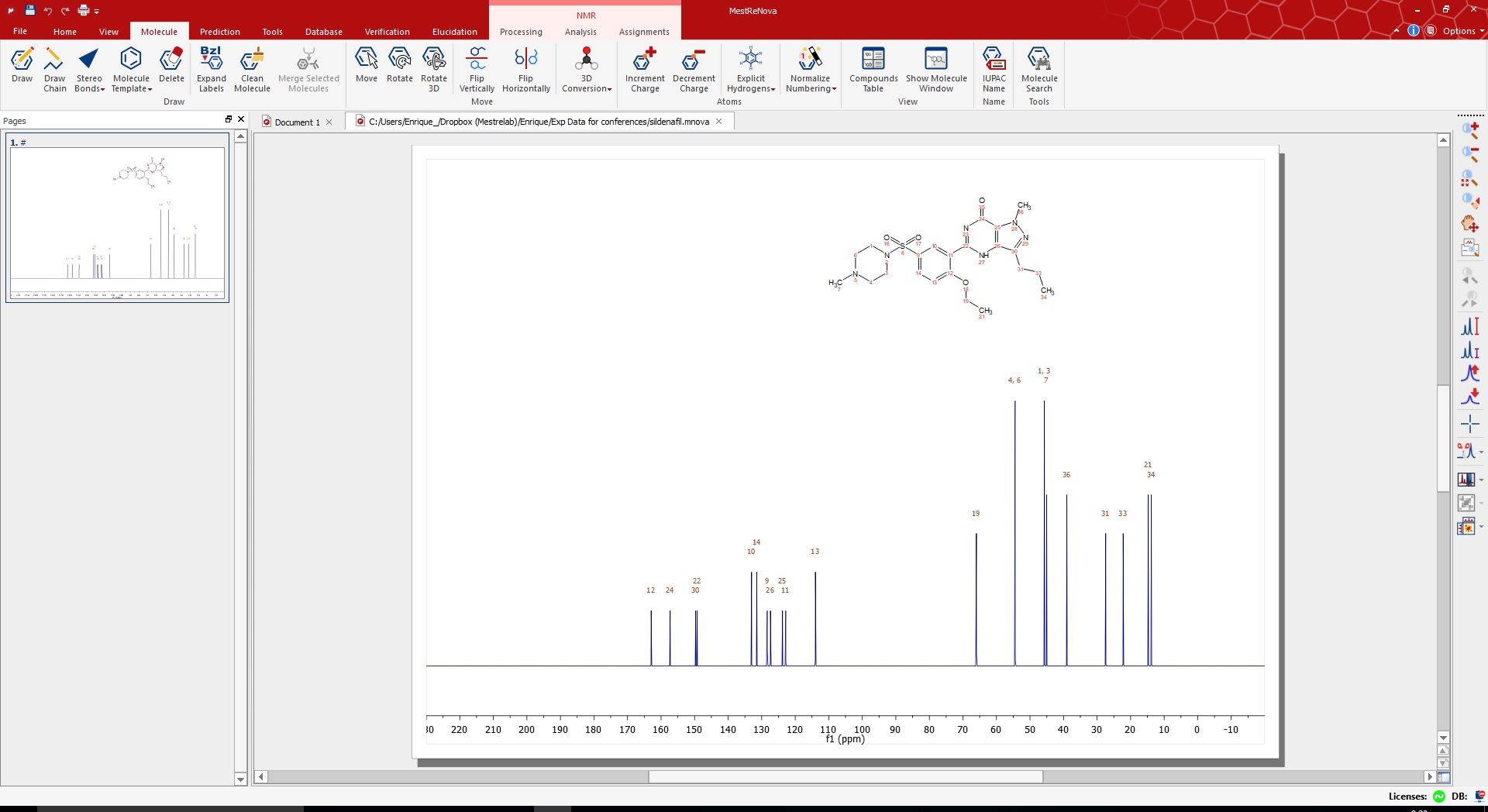
If you are using the new modern (ribbon) display mode you just need to go the menu bar under the ‘Molecule’ section and hit the ‘IUPAC Name’ button.

Then you will get a text object with the IUPAC name for your structure which you can fit anywhere around your spectrum. If you have more than one structure in your spectrum you will have to select it first.
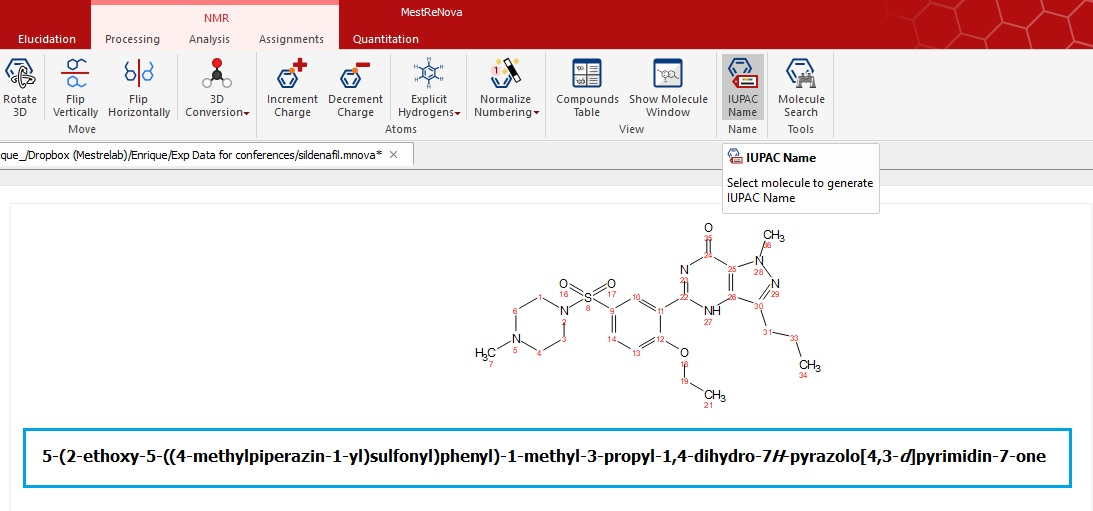
Please note that if you are using the ‘classic’ display just use the IUPAC Name icon on the menu bar or do right-click on the structure to see the options panel. You can easily switch between display modes just by going to:
- ‘Edit/Preferences/General/Interface’ for classic mode.
- ‘File/Preferences/General/Interface’ for modern (ribbon) mode
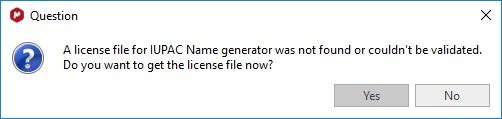
Why do I get this message if I have a valid Mnova NMR license? This tool needs a separated license.