
How to Get My HOST ID

Sep 29, 2025
 155
155
Whether you have purchased one of our products/plugins or you just want to evaluate them, a license is required. To obtain your license you need to know your computer’s Host ID. A Host ID is an unique identifier for a particular computer, and it is used by Mestrelab to generate and lock licenses to a specific machine.
Getting your Host ID
First, download Mnova in case you have not done it yet. Then simply copy it from the following window (see image below) when you open Mnova (Mouse Right click –> ‘Copy’).
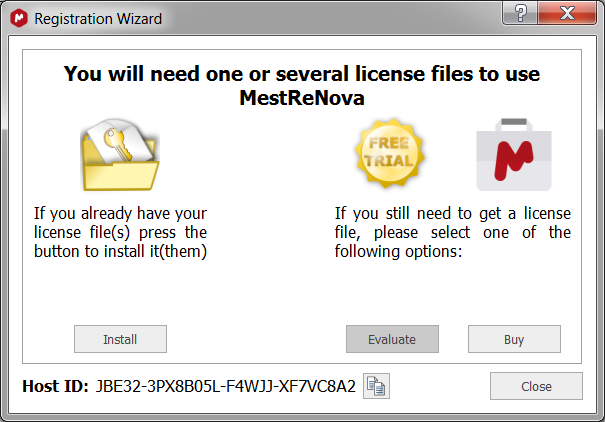
Alternatively follow the menu ‘File/Help/License Manager’, select and copy your Host ID to the clipboard (you can also click on the ‘Copy to clipboard’ button directly).

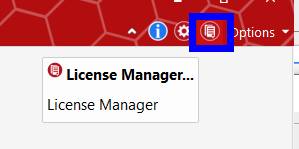
Alternatively, click on this button: